Project Overview
John Deere’s UX team needed a self-serve platform that would empower product managers and non-technical staff to design, launch, and analyze surveys across the company’s portfolio of 250+ internal and external products. The existing process was developer-dependent, slow, and inflexible—creating bottlenecks that delayed critical feedback loops and limited the organization’s ability to make timely, data-informed product decisions.
This case study documents the end-to-end design of a Figma-driven survey builder and analytics dashboard, from foundational research through usability validation and developer handoff.
My Role: I served as Lead UX Designer and Researcher, responsible for end-to-end research planning, strategic design direction, prototyping, usability testing, and design system documentation. I worked closely with product owners, UX researchers, agile coaches, a scrum master, and front-end engineers throughout the engagement.
The Challenge:
Developer Dependency: Every survey required back-and-forth with engineering, turning what should be a simple task into a 2+ hour ordeal. Product managers had no independent path to create or modify surveys.
Inflexible Tooling: Existing tools couldn’t accommodate the varied logic, question types, and branding requirements across John Deere’s diverse product portfolio, which spans both internal tools and customer-facing equipment lines.
Manual Reporting: Results were compiled manually, delaying insights and creating inconsistencies. Product managers needed real-time, exportable analytics to inform roadmap decisions.
Brand Consistency: Surveys sent to external customers needed to maintain John Deere’s brand standards, but without centralized templates, visual quality varied widely.
Baseline Metrics & Targets
Metric | Baseline | Target |
|---|---|---|
Time to build survey | ~120 mins | <48 mins |
User Satisfaction (CSAT) | 3.8/5 | >4.25/5 |
Survey Completion Rate | 50% | >62.5% |
Research & Discovery
The research phase focused on building a deep understanding of the current survey workflow, identifying pain points across roles, and establishing a clear picture of what “good” would look like for the diverse set of internal stakeholders.
Stakeholder Interviews
Participants
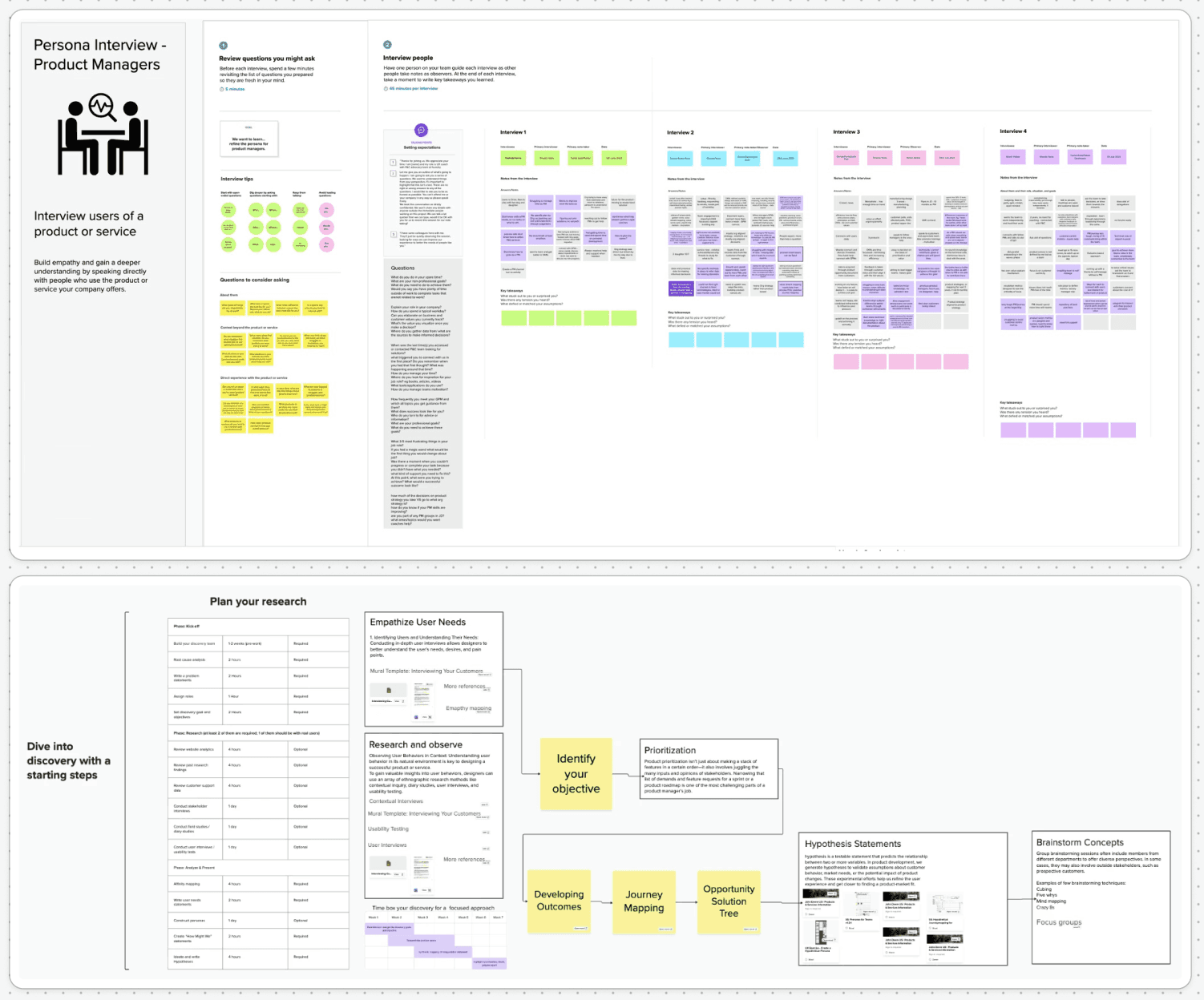
I conducted 45-minute semi-structured interviews with a cross-functional group that included product owners, 2–3 agile coaches, developers, a scrum master, and UX researchers. This mix ensured we captured perspectives from those requesting surveys, those building them, and those who would eventually use the data.
Interview Focus
Sessions were structured around three core areas: understanding the current end-to-end survey workflow and where it breaks down, identifying the features and capabilities participants considered essential versus nice-to-have, and exploring how survey data currently flows into product decisions.
Key Findings
Time Sink: Survey creation consistently required 2+ hours of back-and-forth between product managers and developers. PMs described feeling “blocked” and unable to move at the pace their teams needed.
Repetitive Work: Many surveys shared common structures (NPS, feature feedback, onboarding), yet each was built from scratch. There was no template system or reusable component library.
Analytics Gap: Results were typically exported as raw CSV files and manually processed in spreadsheets. Real-time dashboards didn’t exist, which delayed decision-making by days or weeks.
Brand Anxiety: Teams sending surveys to external customers worried about inconsistent branding but lacked the design resources to enforce standards across every touchpoint.
Competitive Analysis
I benchmarked the planned platform against three leading survey tools—SurveyMonkey, Typeform, and Qualtrics—to identify industry conventions users would expect, opportunities for differentiation, and patterns to avoid. Key takeaways informed our approach to drag-and-drop interaction models, conditional logic interfaces, and real-time preview behavior.
Persona & Journey Mapping
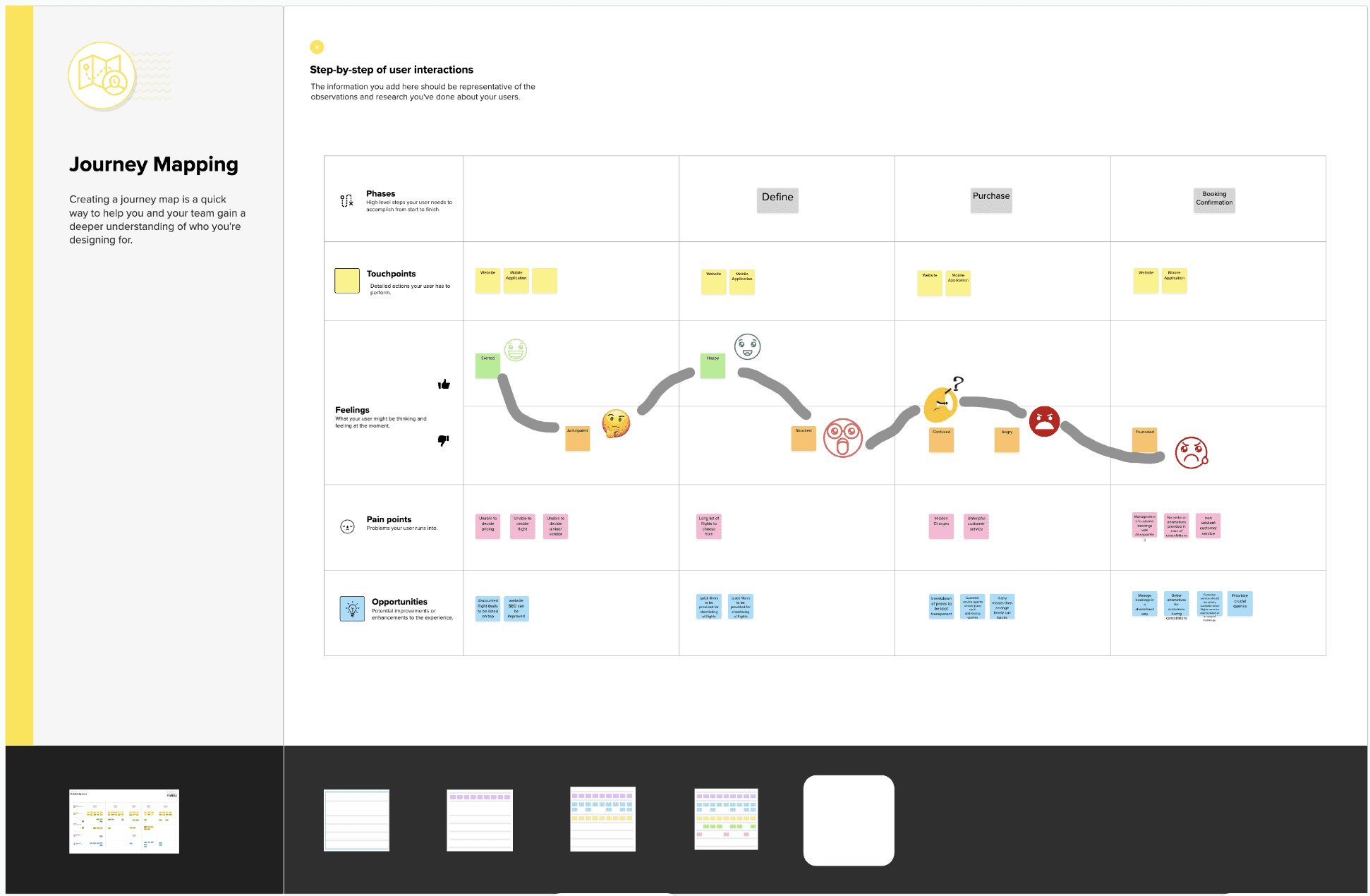
Research insights were synthesized into a primary persona and end-to-end journey map:
Emily, Product Manager
Context: Manages feedback loops for 3 John Deere products. Non-technical, time-constrained, and needs to move quickly when gathering user input to inform sprint planning.
Frustration: “I shouldn’t need to file a dev ticket just to add one question to a survey.”
Goal: Build, brand, launch, and analyse a survey independently within a single afternoon—without touching code or waiting on another team.
The journey map traced Emily’s experience from identifying a feedback need through to acting on results, highlighting friction points at survey creation, logic configuration, and reporting stages.
Define & Prioritise
Feature Prioritization
Using a value-versus-complexity matrix, I facilitated a prioritization workshop with the product owner and engineering lead. We evaluated 20+ potential features and converged on four high-value, feasible capabilities for the first release:
Drag-and-drop survey builder with a question types palette
Conditional branching with a visual logic editor
Real-time preview reflecting brand styling as users build
Analytics dashboard with filtering, visualization, and export
Lower-priority features such as multi-language support, template libraries, and CRM integration were documented as future roadmap items, ensuring stakeholder expectations were managed transparently.
Design & Prototyping
Low-Fidelity Wireframes
I began with low-fidelity wireframes to rapidly explore layout concepts and validate information architecture before investing in visual design. Key screens included the question types palette (a sidebar of draggable question components), the visual survey flow editor (showing question sequence with branching paths), and the inline preview panel (rendering the survey as respondents would see it in real time).
These wireframes were reviewed with the product owner and two developers in an informal critique session, which surfaced early concerns about how conditional logic would be visualised and where preview functionality should live in the interface hierarchy.
High-Fidelity Mockups
Wireframes were refined into high-fidelity mockups styled in the John Deere brand system—using the brand’s signature green, yellow accent, and approved typography. Key high-fidelity deliverables included the survey builder workspace (featuring the drag-and-drop canvas, question configuration panel, and live preview), the branching logic editor (with visual connectors showing conditional paths between questions), the survey dashboard (displaying recent surveys, response metrics, and status indicators), and the analytics view (with chart types, filtering controls, and one-click export).
Every component was designed with the dual context in mind: surveys for internal John Deere teams needed to be functional and efficient, while surveys reaching external customers needed to feel polished and brand-consistent.
Design System & Components
To support long-term maintainability and consistency across the platform, I built a documented Figma component library including reusable atoms (buttons, inputs, icons, colour and spacing tokens), molecules (question cards, branching nodes, metric tiles), and organisms (the builder workspace, the analytics dashboard, the survey settings panel). All components were built with responsive behaviour and accessibility considerations (WCAG AA contrast ratios, focus states, and clear labelling).
Usability Testing
Study Design
Participants
I recruited 8 internal users representing the platform’s key audiences: UX designers, developers, end users (respondents), and product managers. This cross-role sample ensured we tested the experience from multiple perspectives—builders, configurers, and consumers of survey data.
Tasks
Each participant was asked to complete three core tasks using the high-fidelity Figma prototype: create a 5-question survey including at least one branching condition, preview the survey as a respondent would see it, and navigate to the analytics dashboard to view results and export data.
Results
Measure | Result |
|---|---|
Average task completion time | 4 minutes (20+ mins from the old workflow) |
System Usability Scale | 82/100 (above the industry benchmark of 68) |
Task success rate | 100% of participants completed all three core tasks |
Critical errors | 0 (no participant was unable to recover from mistakes) |
User Feedback: “I can spin up a survey in under five minutes—no coding needed!” — Product Manager, Pilot Participant
Issues Identified & Design Iterations
While overall results were strong, testing surfaced two usability issues that were addressed before handoff:
Branching UI Clarity: Three participants hesitated when configuring conditional logic, finding the initial branching interface unclear. The visual connector metaphor was refined with clearer labels, colour-coded paths, and an “add condition” affordance that more closely matched mental models from tools like flowchart editors.
Labelling Inconsistencies: Two participants noted that terminology varied between sections (e.g., “skip logic” vs. “branching”). Labels were standardised across the entire platform to use consistent language.
Implementation & Handoff
Developer Handoff
The design system and all screens were handed off using Figma’s Developer Mode, providing engineers with precise CSS specifications, spacing values, colour tokens, and exportable assets. Every interactive component was annotated with state documentation (default, hover, active, disabled, error) and accessibility notes.
Collaboration Model
I participated in weekly sync meetings with the front-end engineering team throughout the build phase. These sessions served as checkpoints to resolve interpretation questions, review implemented components against the design spec, and catch deviations early. Issues and refinements were tracked collaboratively in Jira, with design tickets linked directly to development stories.
CMS & Brand Integration
The platform was architected so that survey templates, brand styles, and question libraries are CMS-managed. This means product managers can create and customise surveys within the established brand guardrails without needing design or engineering support for routine tasks—achieving the core self-serve goal of the project.
Outcomes & Impact
Pilot deployment validated that the platform met or exceeded every baseline target established at the outset of the project:
Metric | Baseline | Post-Launch | Improvement |
|---|---|---|---|
Survey creation time | ~120 mins | 48 mins | -60% |
Completion Rate | 50% | 62.5% | +25 |
CSAT Score | 3.8/5 | 4.4/5 | +16 |
Developer Dependency | Required | Eliminated | Self-Serve |
Reflections & Next Steps
What Worked Well
Early cross-functional interviews ensured the design addressed real workflow pain points rather than assumed ones
The value-versus-complexity matrix kept scope realistic and stakeholder expectations aligned
Usability testing with an 8-person cross-role sample caught the branching UI issue before development, saving engineering rework
Tight weekly syncs with engineering prevented spec drift and maintained design fidelity through implementation
What I’d Do Differently
Conduct diary studies with product managers over 2–3 weeks to capture survey creation patterns and edge cases in real working contexts
Include external survey respondents in testing earlier to validate the end-to-end experience from both creator and respondent perspectives
Roadmap: Next Steps
Multi-language support to serve John Deere’s global teams and international customer base
Advanced analytics with cross-tabulation, trend analysis, and segment comparison
Template library for recurring survey types (NPS, feature feedback, onboarding) to further reduce setup time
CRM and email platform integration for seamless survey distribution and response tracking
Expanded usability research with a larger, more diverse participant pool as the platform scales across the organization